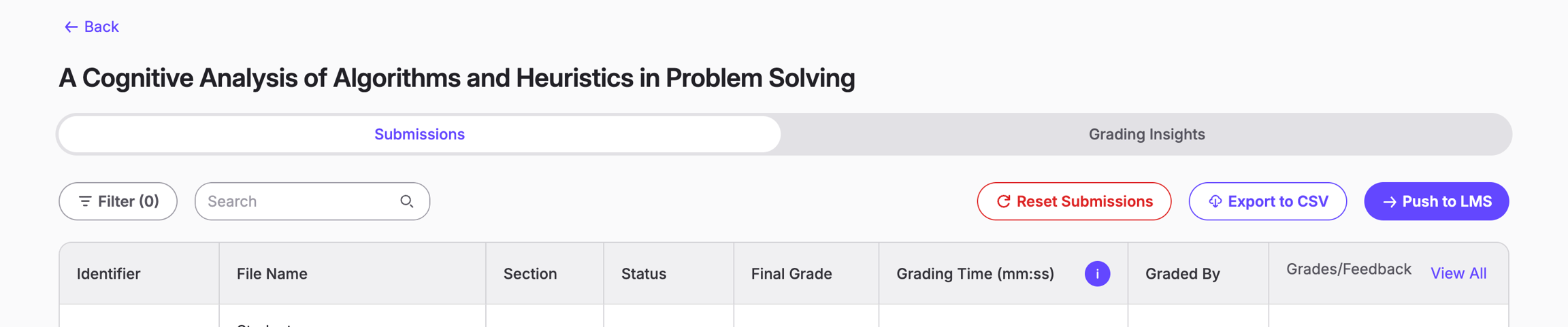
Download all grades and feedback for an assignment as a CSV.
Once grading is done, you can export every grade and piece of feedback for an assignment as a CSV file.
Go to the Assignments page in your course and open the assignment.
Open the Manage Submissions page and select Export to CSV. The CSV with all grades and feedback downloads automatically.
Pushing Grades & Feedback Back to Canvas
How to Grade Submissions with TimelyGrader
Advanced: Customizing Feedback
Last updated 22 days ago
Was this helpful?