

2. Importing or Uploading Submissions
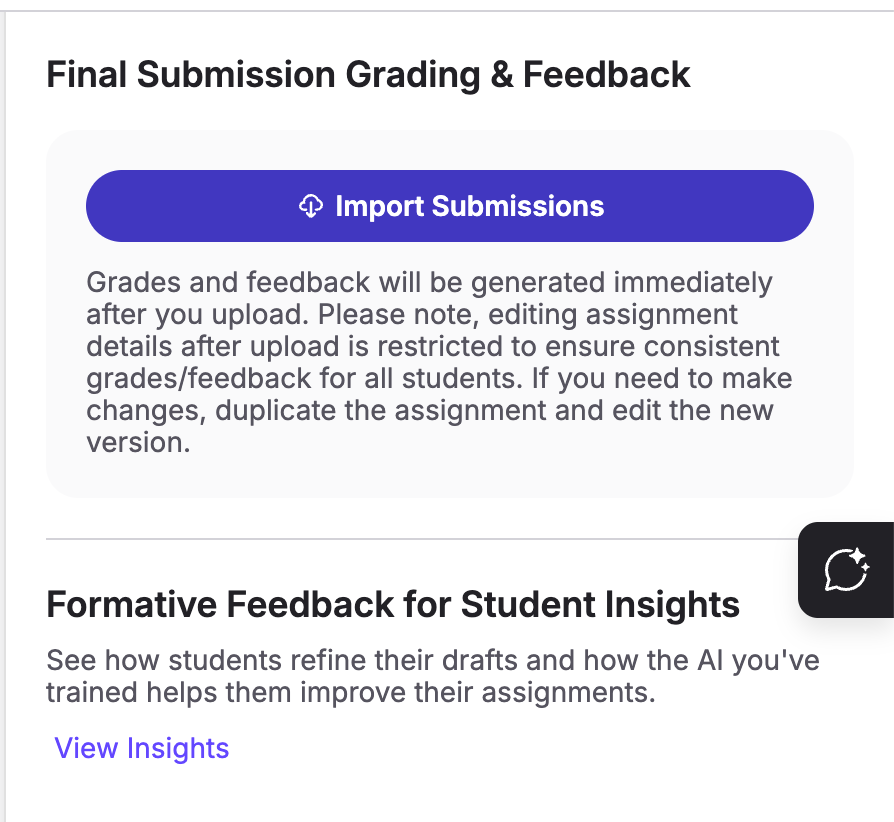
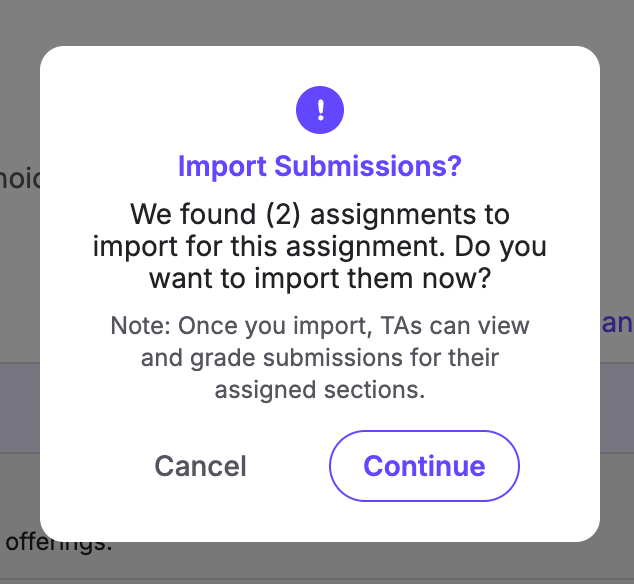
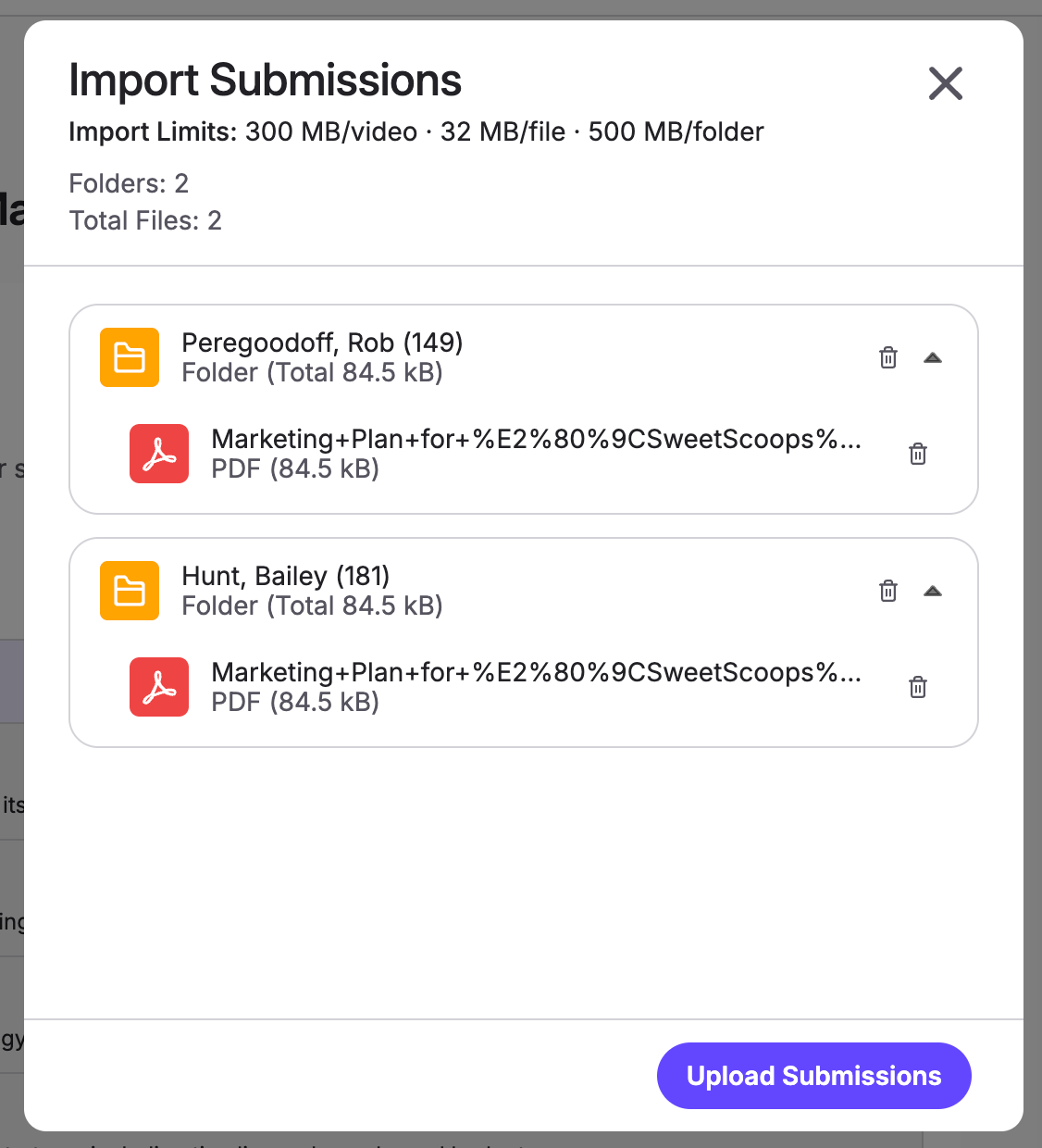
Import submissions from Canvas, or upload them yourself, to generate grading and feedback suggestions.

How you bring in student work depends on how the assignment was set up:
Assignments imported from Canvas are linked to Canvas, so you import submissions from Canvas.
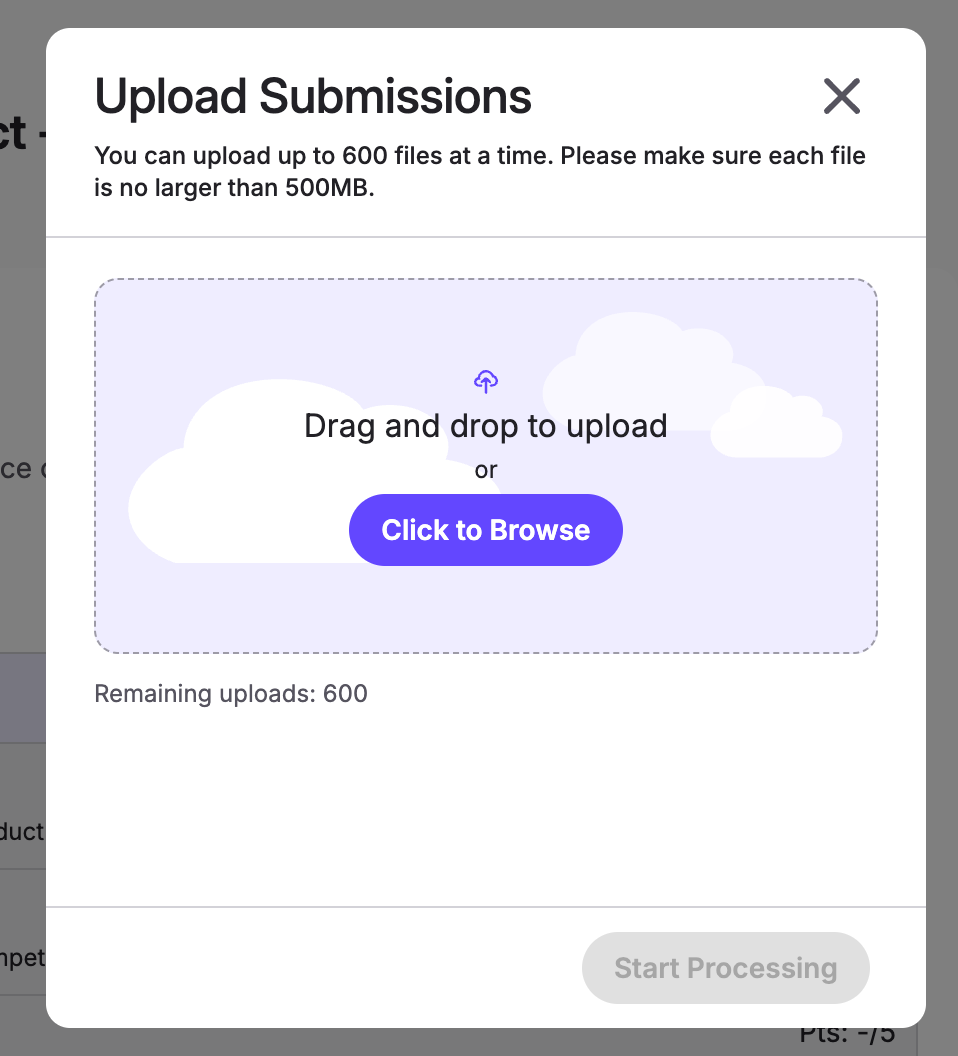
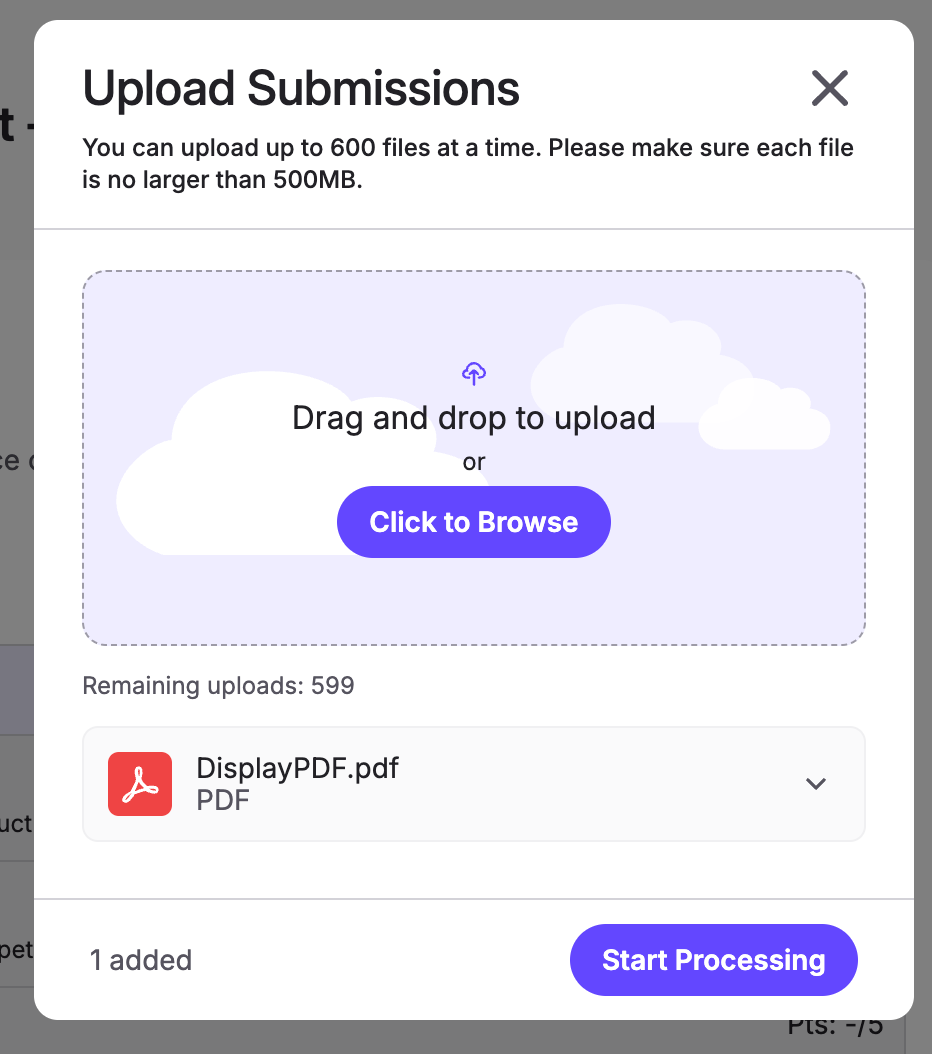
Assignments created in TimelyGrader need submissions uploaded.
Importing submissions
Wait while submissions are processed
Processing starts immediately and its progress shows in the right sidebar. It can take a few minutes. When it finishes, click Start Reviewing to view each submission, see the grading and feedback suggestions, edit them and finalize grades.
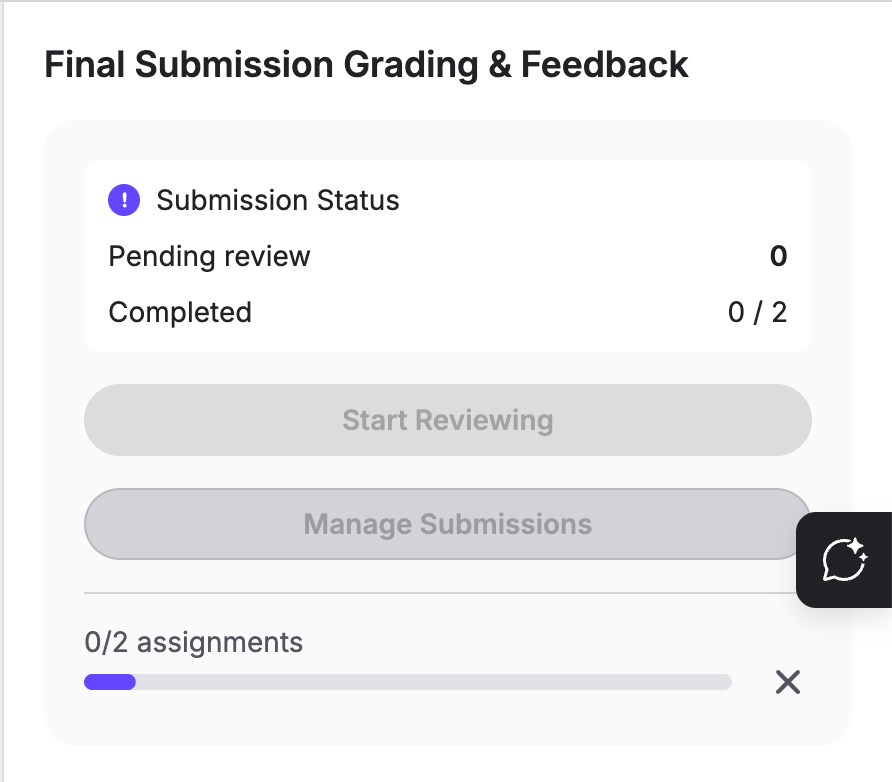
 Hugo’s tip: You can leave the page or close TimelyGrader while it runs. Processing continues in the background, so it’s a good moment for a coffee.
Uploading submissions
Resetting submissions
Imported or uploaded the wrong files, or need to change the assignment details? Reset the grades and feedback for the assignment. See How to Reset Grades and Feedback.
Related articles
Last updated
Was this helpful?