

12. Advanced: Refining AI Accuracy in TimelyGrader
Small, targeted changes that make AI suggestions clearer, more accurate and closer to your expectations.

First results are rarely perfect. A few targeted adjustments bring the AI’s suggestions much closer to how you grade.
1. Start with a baseline
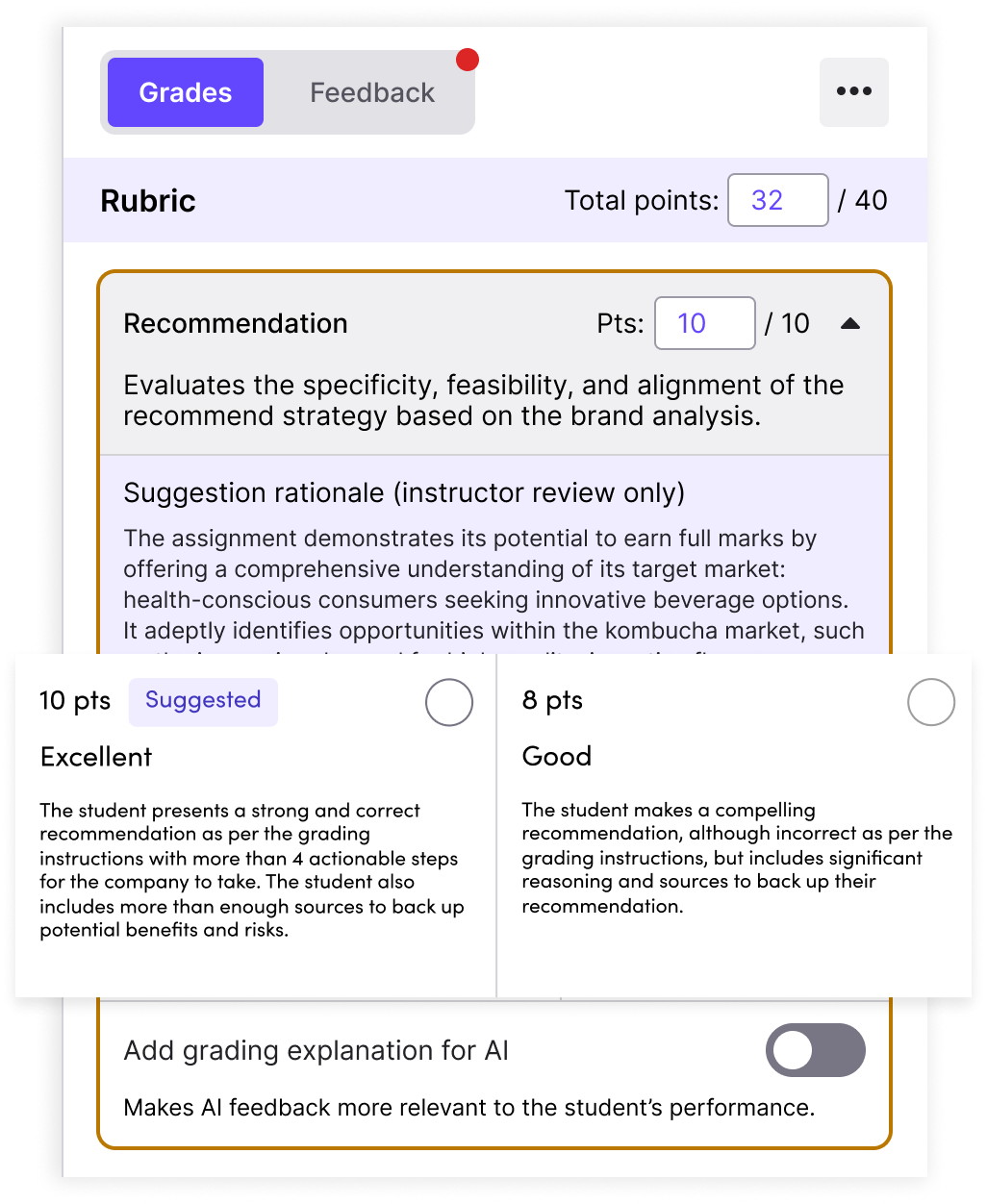
Upload the assignment and rubric with minimal edits and run a first pass. Read the grading explanations next to the suggested grades, and look for:
vague criteria, such as “good analysis” or “clear argument”,
criteria that don’t state their intent, and
context that lives in separate documents the AI hasn’t seen.
The baseline is how you catch misreadings. Finding the errors is the first step.
2. Decide what to adjust
Update the rubric
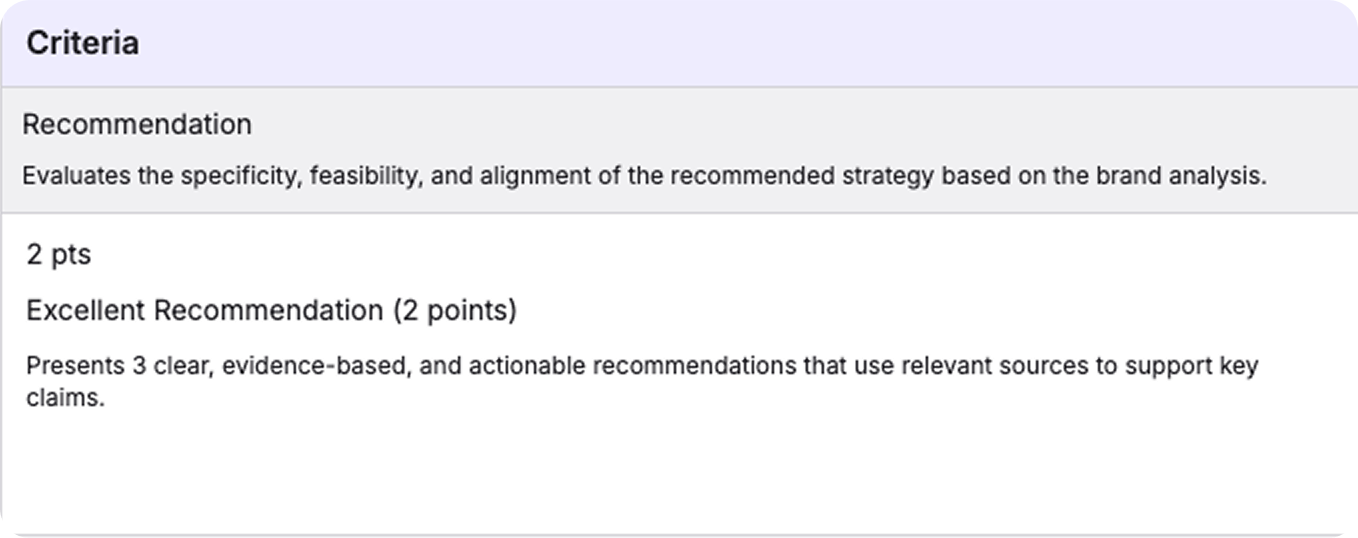
Add clear performance descriptions for each rating level, replace vague phrasing with measurable indicators, and add criteria that reflect what you care about now. A more concrete rubric grades more consistently.
Before: “Excellent Recommendation: presents a strong recommendation with relevant sources.”
After: “Excellent Recommendation: presents 3 clear, evidence-based and actionable recommendations that use relevant sources to support key claims.”
Add Grading Settings instructions
Write the judgment calls down in Grading Settings: general instructions for the whole rubric, and for each criterion, look-fors (what good work shows), violations and omissions (what conflicts or is missing), and custom instructions for exceptions, such as when to give partial credit or what counts as an acceptable source. Keep them clear and direct, and don’t reveal answers students shouldn’t see. See Advanced: Calibrating Grading Accuracy.
3. Iterate and regenerate
Change one thing at a time. Setup changes apply to work processed after the change, so reset the submissions and process them again to measure the improvement, checking the new suggestions on a few submissions at different performance levels. Repeat in small cycles until the results match your standards.
4. Only you know how you grade
Refinement works best with your subject expertise. Use the AI to spot patterns and inconsistencies, then work out whether the cause is vague rubric language or missing context. A writing instructor who finds the AI too lenient on grammar, for example, can tighten the rating descriptions so higher grades are harder to earn.
TimelyGrader is a teaching assistant you train, not full automation. Each round of clearer instructions brings it closer to your judgment while saving you time.
Related articles
Last updated
Was this helpful?