

[Q&A] How We Handle New Submissions
What happens when a student resubmits to an assignment you’ve already imported.

What happens when a student makes a new submission to an existing assignment? It depends on how far the previous submission got.
Scenario 1: The previous submission wasn’t imported
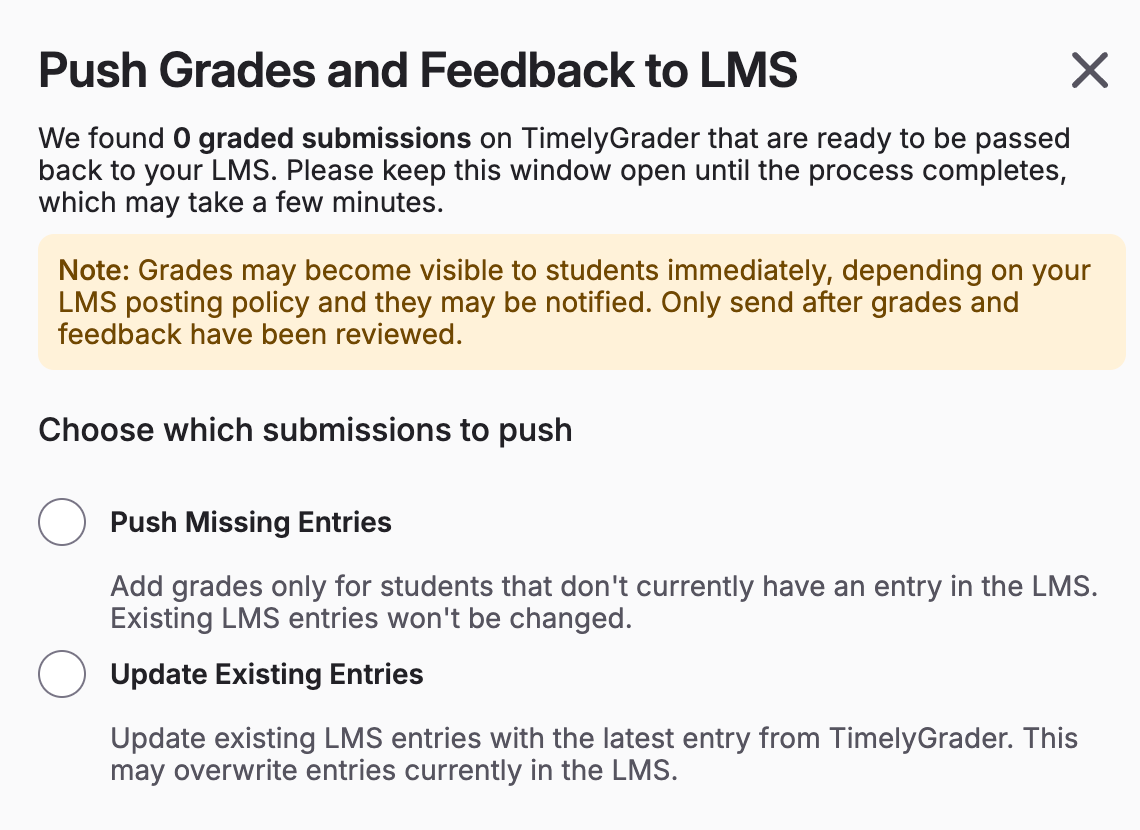
TimelyGrader imports the newest submission with all of its files. This often happens when a student uploaded the wrong file or missed one. Since no grade has been pushed back yet, use Push Missing Entries to send the grade to D2L.
Scenario 2: The previous submission was imported but not graded
TimelyGrader replaces the existing submission with the new one, so you only grade the most recent version, and the grade and feedback you push back reflect it. Use Push Missing Entries.
Scenario 3: The previous submission was imported and graded
This is the most involved case, and usually happens when you give students another chance to improve their grade.
For example, Student A’s first submission is imported and graded. Student A then submits again. You bring it in with Import Additional Submissions, and TimelyGrader asks you to review and grade it again. The new grade and feedback replace the student’s existing entries in TimelyGrader.
What you do next depends on whether you had already pushed grades back:
Not pushed yet: push the newest grades and feedback with Push Missing Entries. Nothing else is needed.
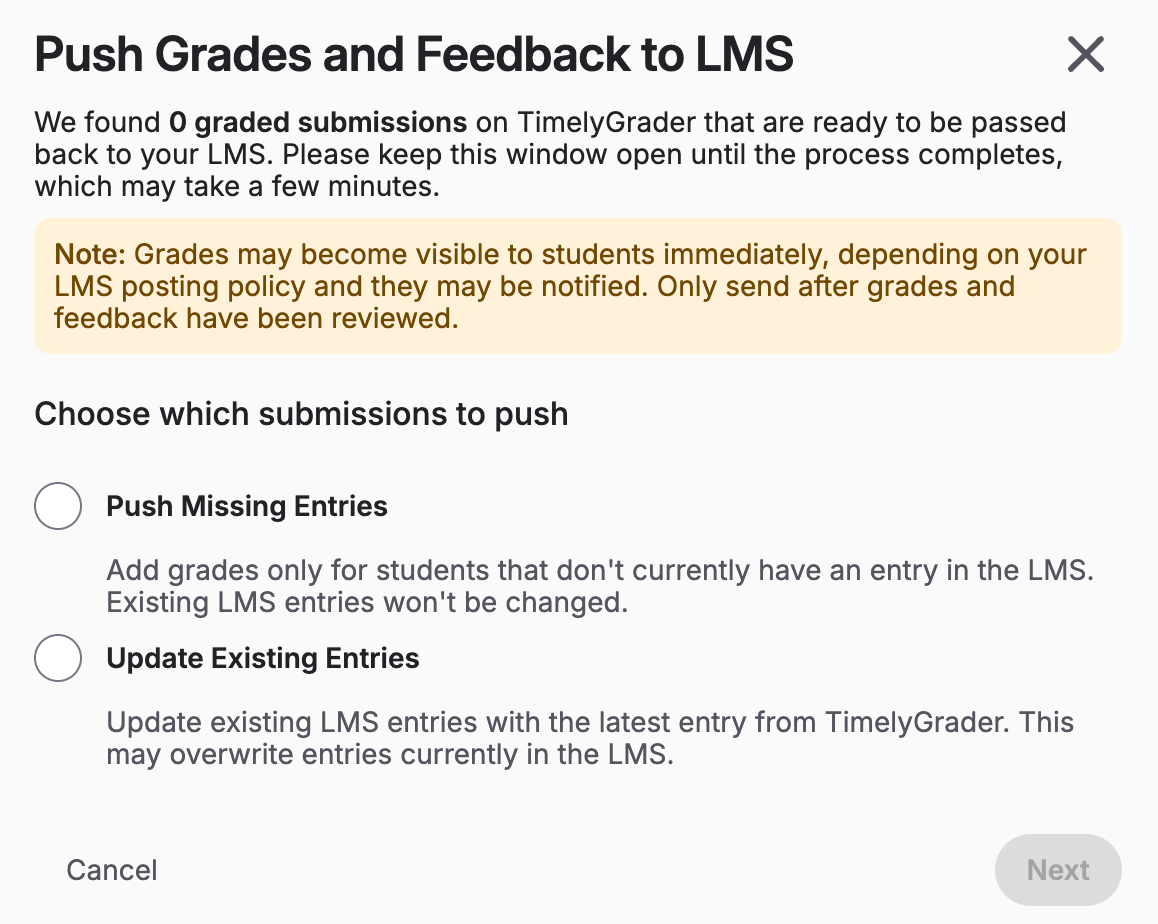
Already pushed: use Update Existing Entries to update that student’s grade in D2L.
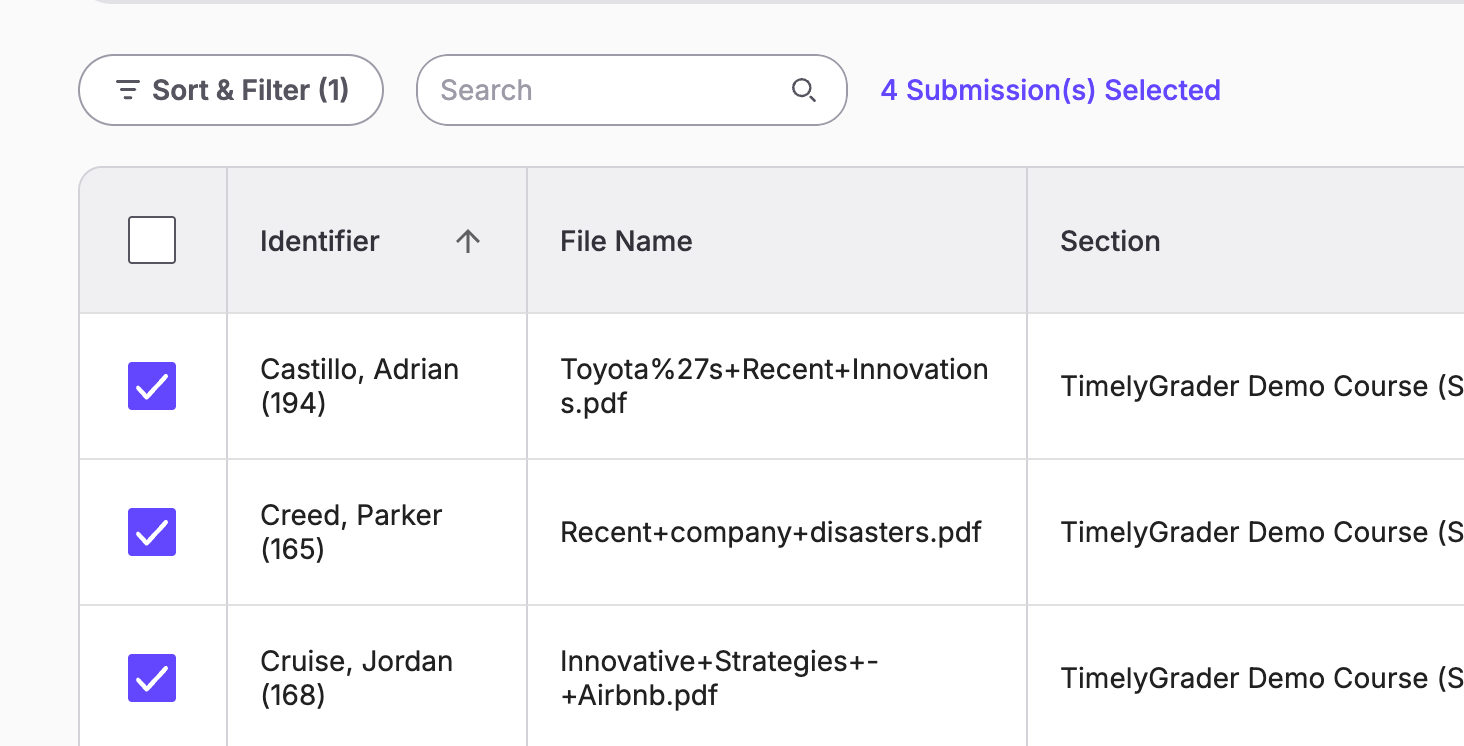
 Hugo’s tip: You can select several students and update their entries at once.
Related articles
Was this helpful?