Skip to content
For the complete documentation index, see llms.txt. This page is also available as Markdown.

Asking Hugo about your feedback

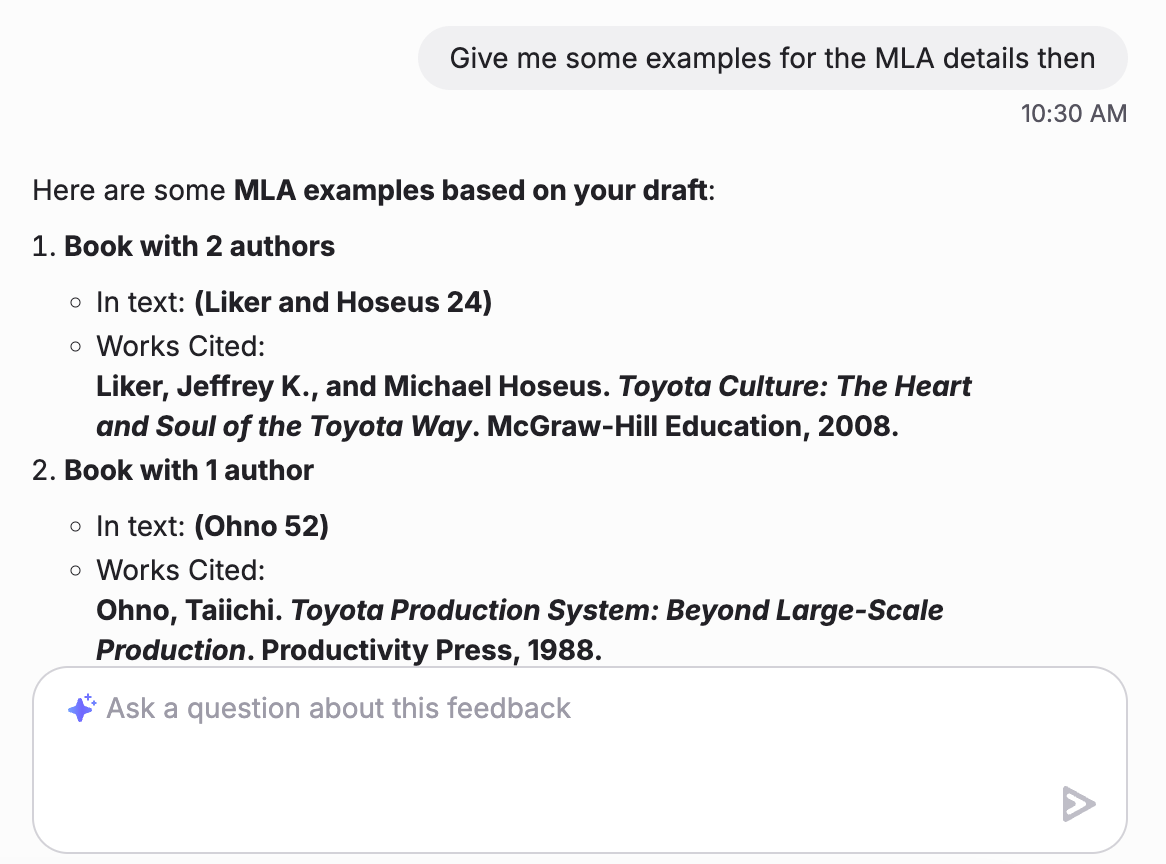
Ask Hugo follow-up questions about your feedback. Hugo knows your assignment, your draft and the feedback you’ve received.

Hugo is an AI assistant that can see your assignment, your submission and the feedback you’ve received. Use it to ask follow-up questions when you want to understand a piece of feedback better.

Your instructor can see your chat history with Hugo, along with your drafts and feedback.

Steps

1

Open your feedback

Open the assignment and click View Feedback on your draft.

2

Ask Hugo

Click the Hugo button and ask your question, for example what a comment means or which part of your draft it refers to.

The Hugo button for asking about feedback
3

Use the answer in your next draft

Revise your work and upload another draft to get new feedback. See Getting feedback on your drafts.

FAQ

What does Hugo know about my work?

Your assignment, your submission and the feedback you’ve already received.

Can my instructor see my conversations with Hugo?

Yes. Your instructor can see your chat history with Hugo, as well as your drafts and feedback.

Was this helpful?