

Getting started as a student
When you can open an assignment in TimelyGrader, where to find it, and who can see your work.

TimelyGrader gives you feedback on your drafts while you’re still working on an assignment, so you can revise before you hand in your final version.
Before you start
You can open an assignment in TimelyGrader once all three of these are true:
you need to be enrolled into the course as a student (obviously) and the roster is synced
your instructor has published the assignment on both your LMS and TimelyGrader, and
your instructor has turned on Formative Feedback for Students for that assignment
If you don't see the assignment on TG, one of these hasn’t happened yet. Ask your instructor.
Finding your work
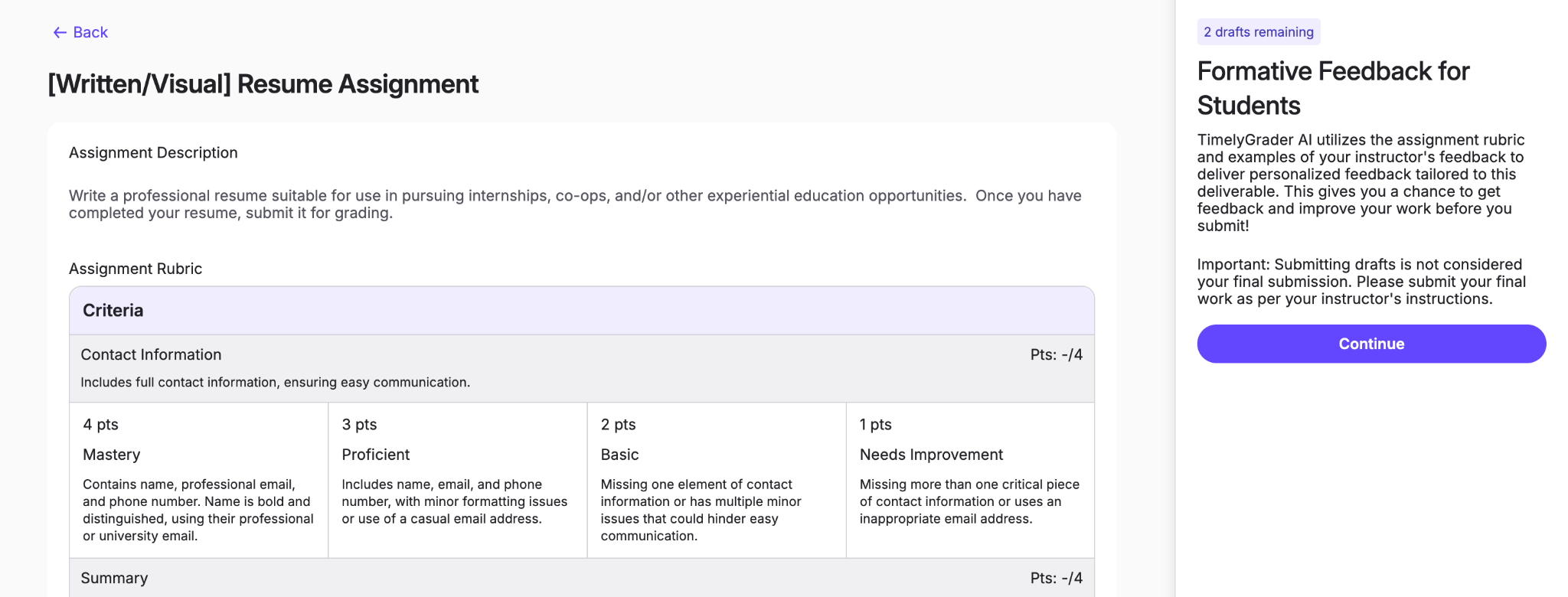
Get feedback on your drafts
Upload a draft and get feedback on it, up to three rounds per assignment. See Getting feedback on your drafts.
FAQ
Related articles
Last updated
Was this helpful?