Skip to content
For the complete documentation index, see llms.txt. This page is also available as Markdown.

Getting feedback on your drafts

Describe your topic, upload a draft and get feedback on it, up to three rounds before you submit your final version.

When your instructor has turned on Formative Feedback for Students, you can get feedback on up to three drafts of an assignment before you submit your final version.

Draft feedback is there to help you revise. Again, your instructor grades your final submission - not TimelyGrader.

The student view of an assignment

Steps

1

Open the assignment

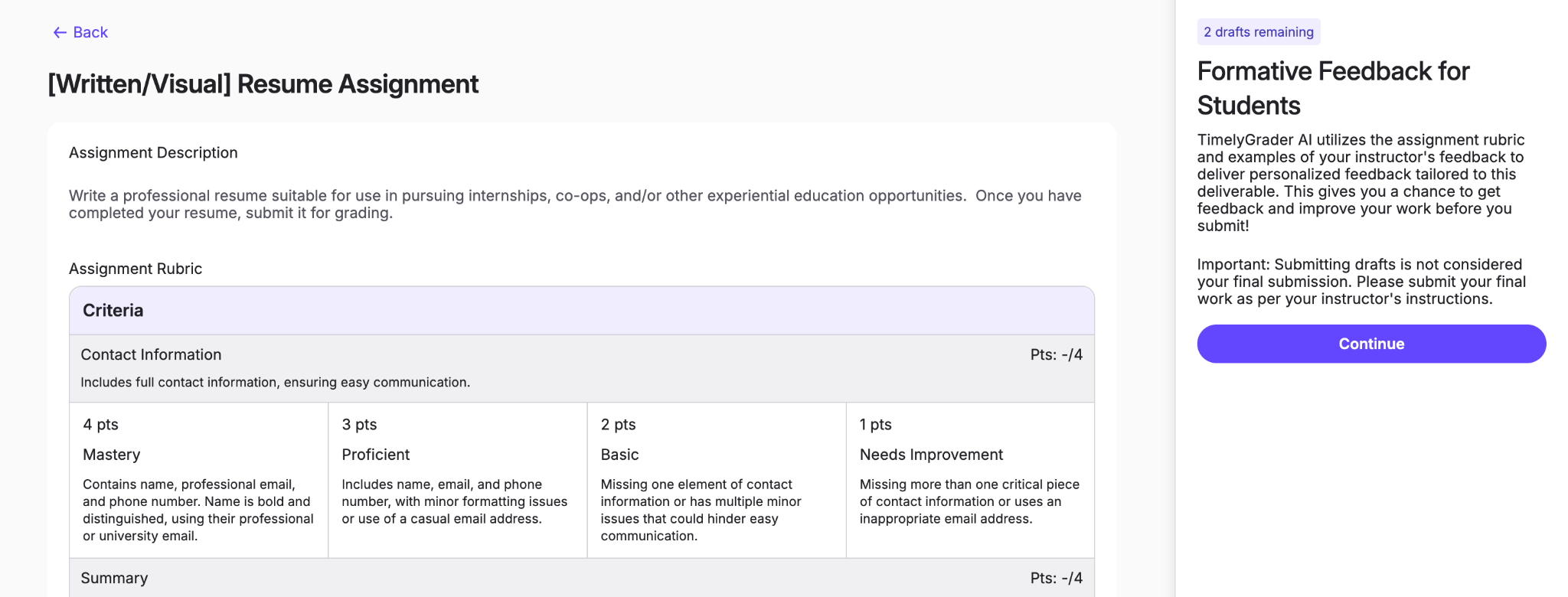
Open the assignment from Coursework. Read the title, description and rubric first: they’re what your work is graded against.

An assignment’s title, description and rubric in the student view
2

Describe your topic

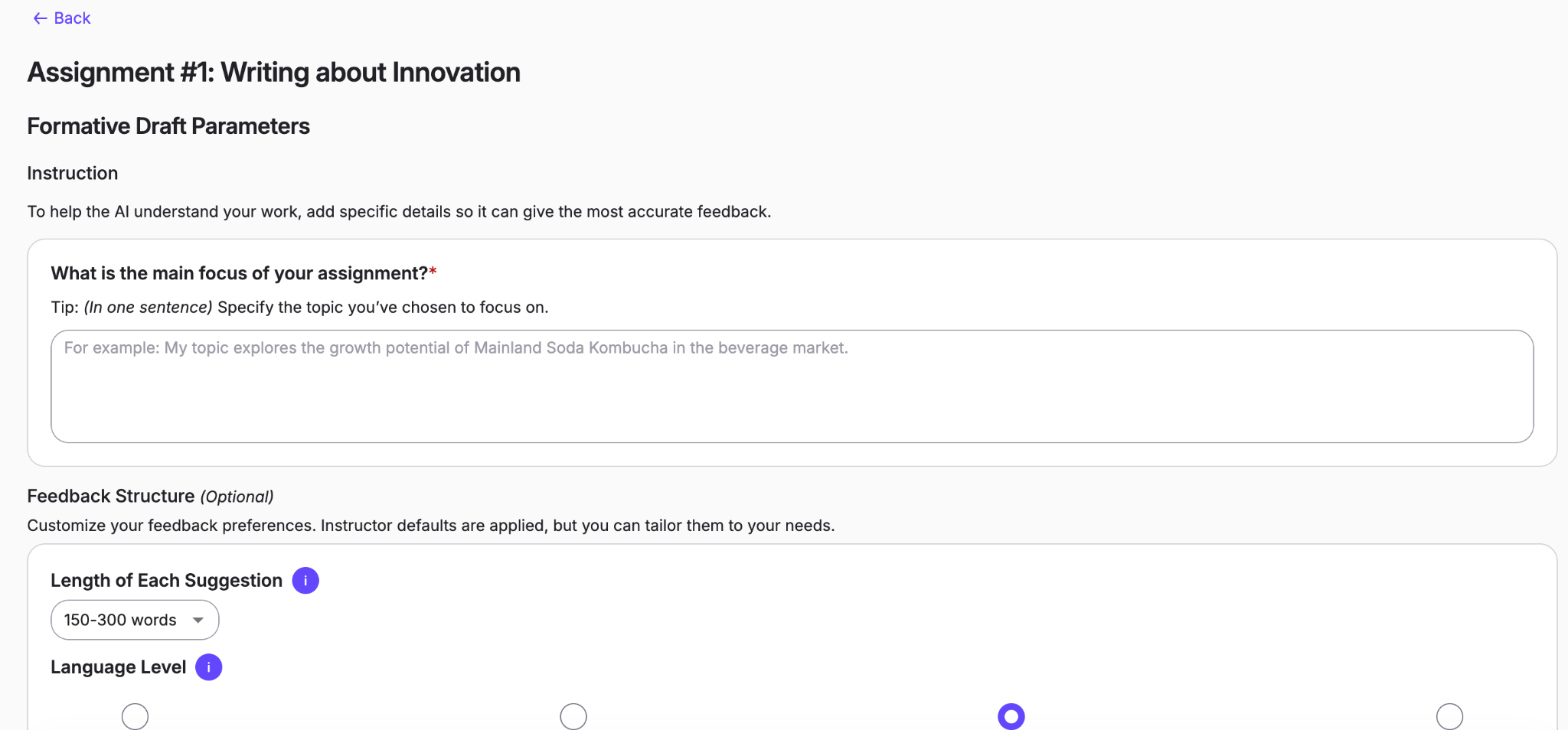
Write a short description of your topic, so the feedback you get is relevant to what you’re working on.

3

Adjust the feedback settings (optional)

You can change the default feedback settings, such as how long the feedback is, to suit how you learn.

Topic description and feedback settings
4

Upload a draft

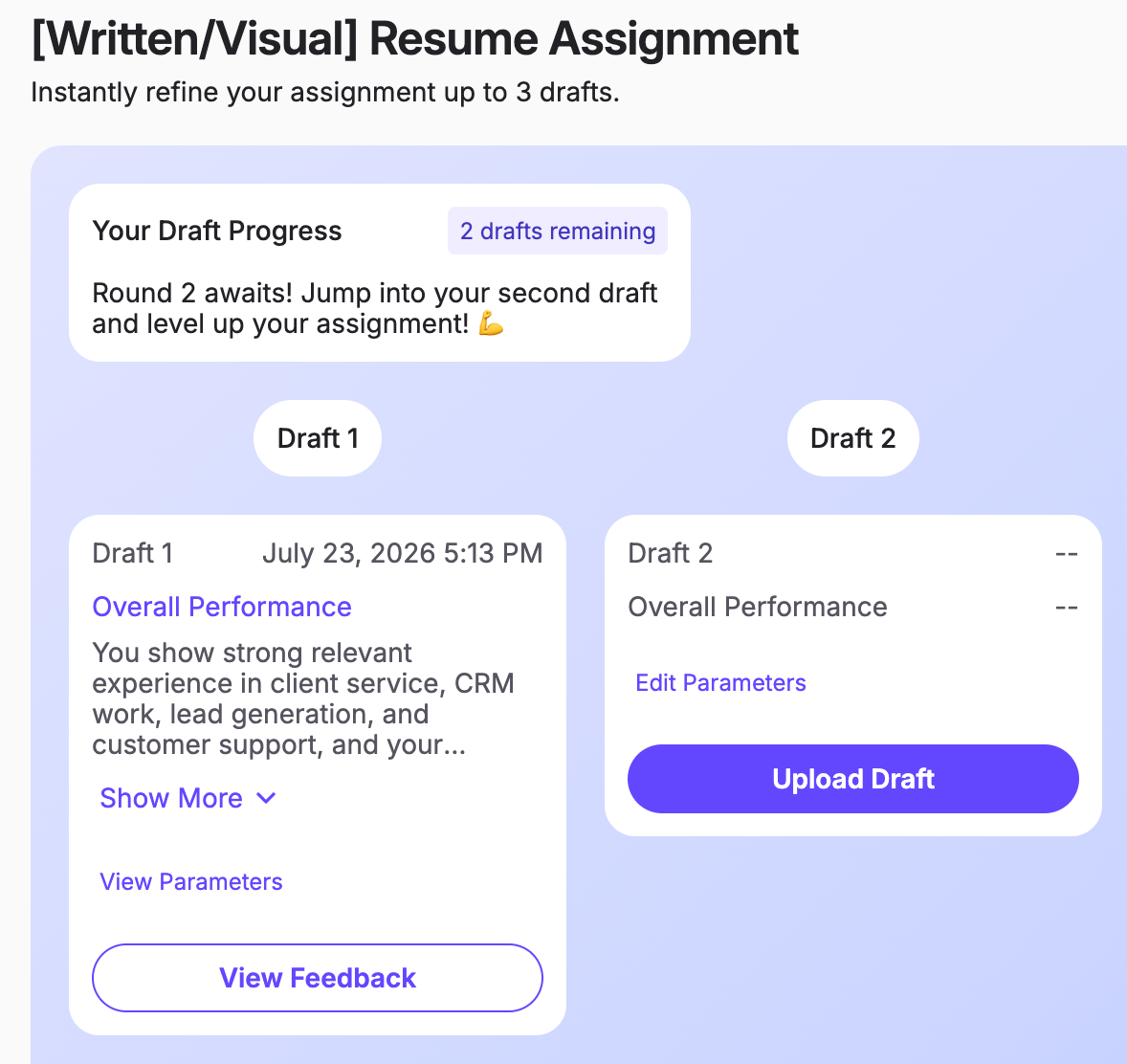
For each draft, click Upload Draft and choose your file.

The Upload Draft button
5

View your feedback

When your draft has been processed, click View Feedback. See Reading your feedback.

6

Revise and repeat

Revise your work and upload another draft. You can get feedback on up to three drafts. When you’re done, submit your final version the way your instructor has asked.

FAQ

How many times can I get feedback?

Up to three rounds of feedback on drafts per assignment.

Does uploading a draft submit my assignment?

No. Drafts are for feedback only. Submit your final version the way your instructor has asked.

Can my instructor see my drafts?

Yes. Your instructor can see every draft you uploaded, the feedback on each one, and your chat history with Hugo.

My file won’t upload.

Check that it opens on your computer and isn’t password-protected, then try again. If it still won’t upload, contact your instructor.

Last updated

Was this helpful?