> For the complete documentation index, see [llms.txt](https://help.timelygrader.ai/llms.txt). Markdown versions of documentation pages are available by appending `.md` to page URLs; this page is available as [Markdown](https://help.timelygrader.ai/self-serve-support-articles/12.-forgot-your-password.md).
# 12. Forgot Your Password?
Reset your password, whether you signed up with email or Google.
How you reset your password depends on how you signed up: with email or with Google.
## If you signed up with email
{% stepper %}
{% step %}
### Go to the login page
Open the TimelyGrader login page:
{% endstep %}
{% step %}
### Click Forgot Your Password?
Click **Forgot Your Password?** under the **Password** field.
{% endstep %}
{% step %}
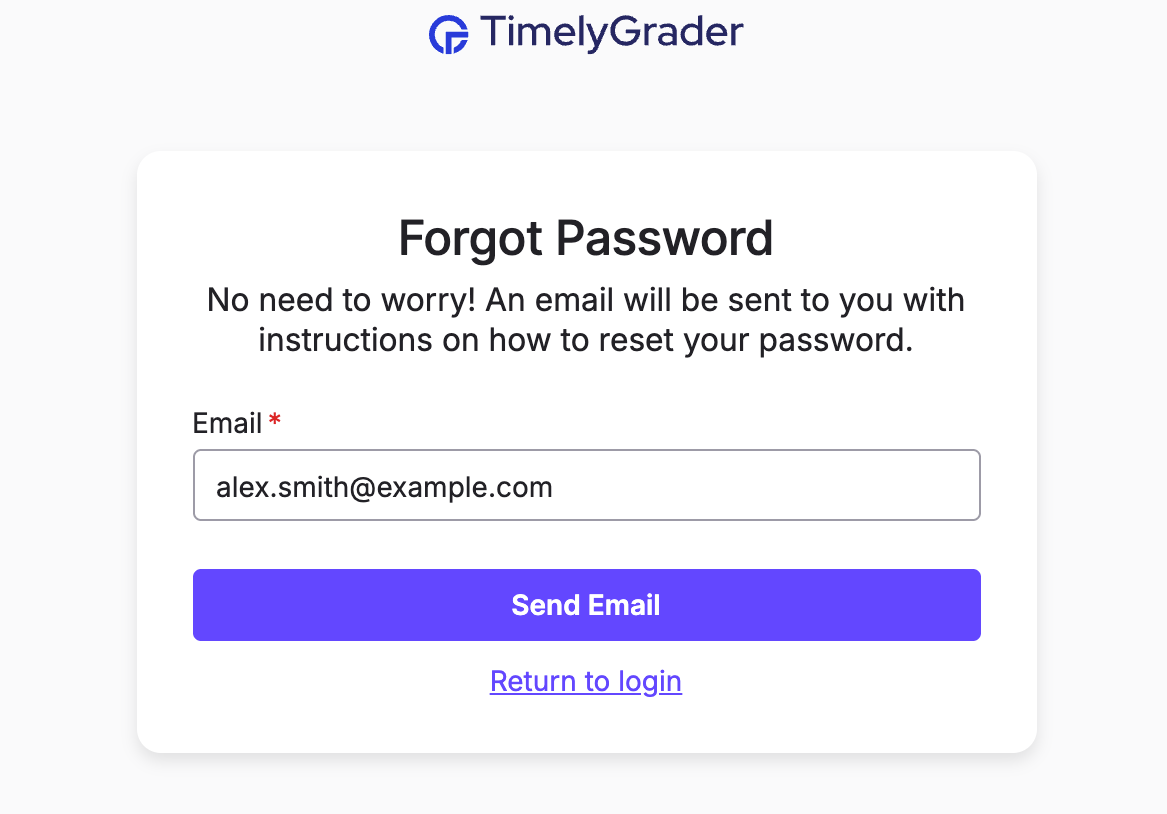
### Enter your email
Enter the email address linked to your account, then click **Send Email**.
{% endstep %}
{% step %}
### Check your inbox
Look for an email from TimelyGrader with a link to reset your password. It can take up to 5 minutes to arrive.
{% hint style="success" %} **Hugo’s tip:** Don't see the email? Check your spam folder and make sure you entered the correct email address.
{% endhint %}
{% endstep %}
{% step %}
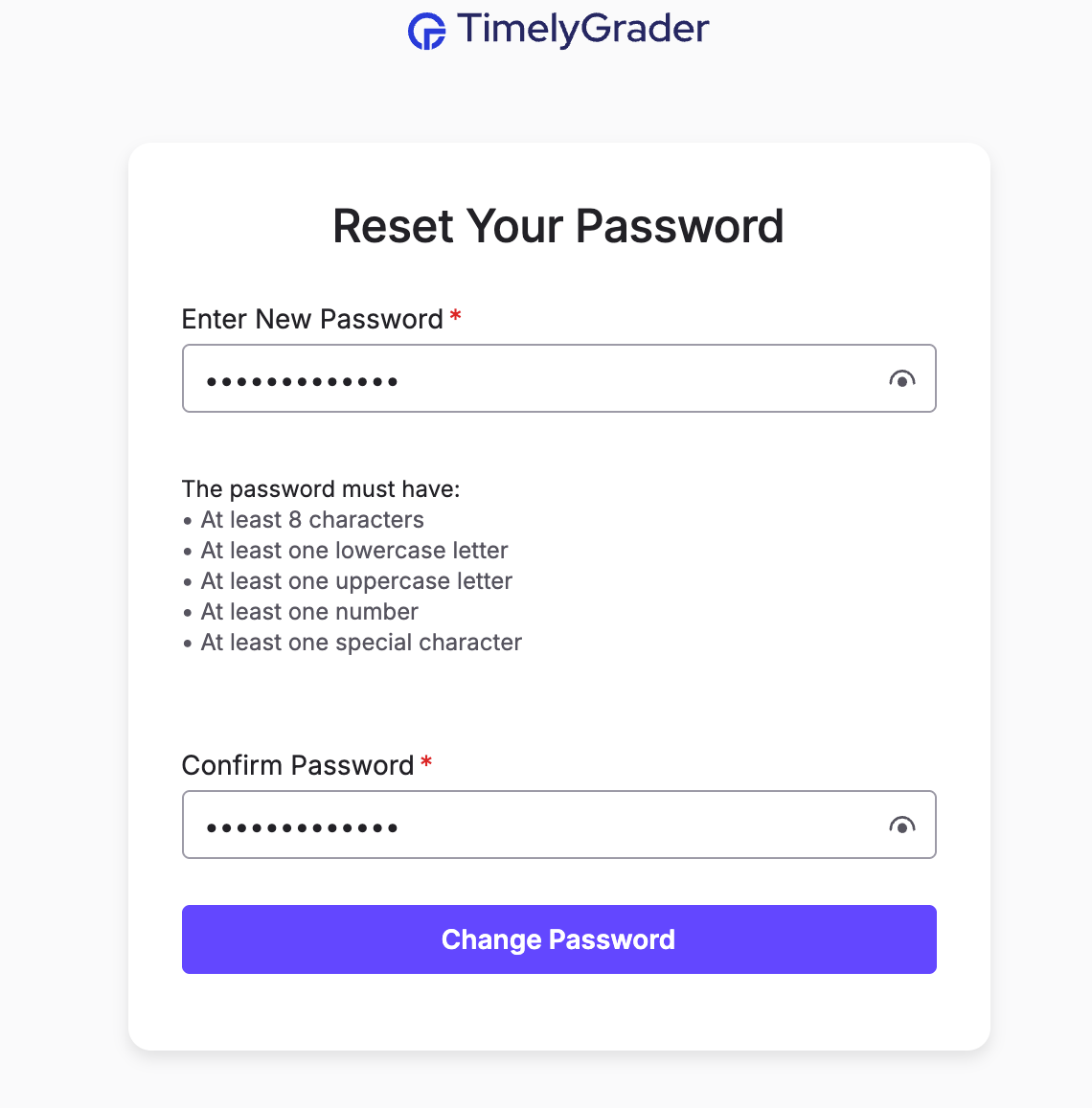
### Reset your password
Click the **Reset Password** button in the email and enter a new password. You can then log in with your new password.
{% endstep %}
{% endstepper %}
## If you signed up with Google
Your account is linked to your Google login, so you don't need a TimelyGrader password. Click **Continue with Google** on the login screen and select your Google account.
{% hint style="success" %} **Hugo’s tip:** If you've forgotten your Google password, reset it through Google before logging in to TimelyGrader.
{% endhint %}
## Still need help?
If you're stuck or aren't sure how you signed up, contact support at .
## Related articles
* [How to Sign Up for TimelyGrader](https://help.timelygrader.ai/self-serve-support-articles/2.-how-to-sign-up-for-timelygrader.md)
* [Not receiving invitation and/or notification emails](https://help.timelygrader.ai/technical-and-security-questions/not-receiving-invitation-and-or-notification-emails.md)
* [Billing Questions](https://help.timelygrader.ai/self-serve-support-articles/11.-billing-questions.md)

 **Hugo’s tip:** Don't see the email? Check your spam folder and make sure you entered the correct email address.
{% endhint %}
{% endstep %}
{% step %}
### Reset your password
Click the **Reset Password** button in the email and enter a new password. You can then log in with your new password.