> For the complete documentation index, see [llms.txt](https://help.timelygrader.ai/llms.txt). Markdown versions of documentation pages are available by appending `.md` to page URLs; this page is available as [Markdown](https://help.timelygrader.ai/self-serve-support-articles/2.-how-to-sign-up-for-timelygrader.md).
# 2. How to Sign Up for TimelyGrader
Create your TimelyGrader account in just a few steps.
Create your TimelyGrader account in just a few steps, with your email or your Google account.
## Steps
{% stepper %}
{% step %}
### Go to the sign-up page
Open the [TimelyGrader sign-up page](https://app.timelygrader.ai/us/app/sign-up).
{% endstep %}
{% step %}
### Choose how you'd like to sign up
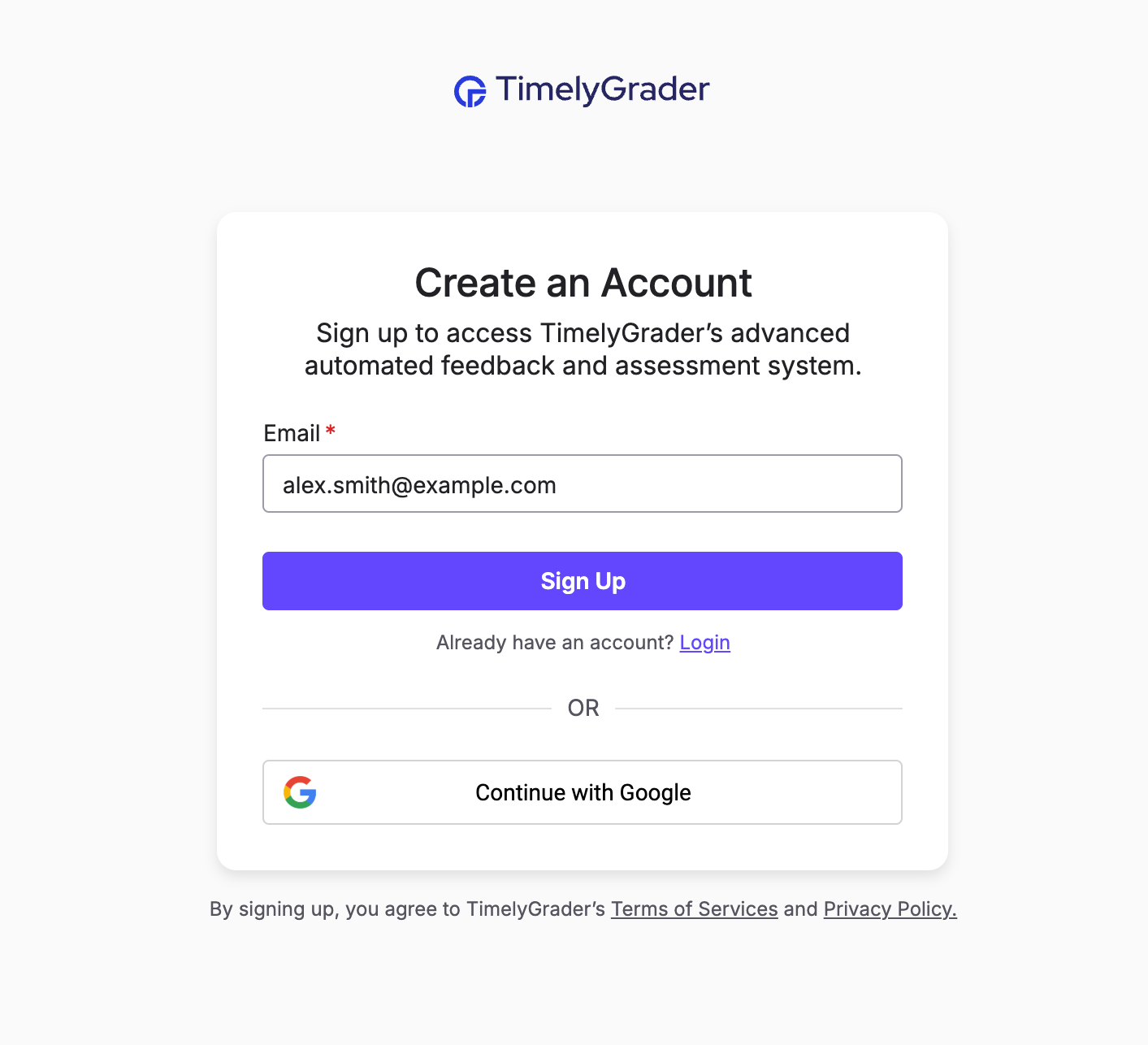
* **Email:** enter your email address and click **Sign Up**.
* **Google:** click **Continue with Google** and follow the prompts to connect your Google account.
{% hint style="success" %} **Hugo’s tip:** Signing up with Google skips email verification, so it’s faster.
{% endhint %}
{% endstep %}
{% step %}
### Verify your email (email sign-up only)
Check your inbox for the confirmation email and click the verification link.
{% endstep %}
{% step %}
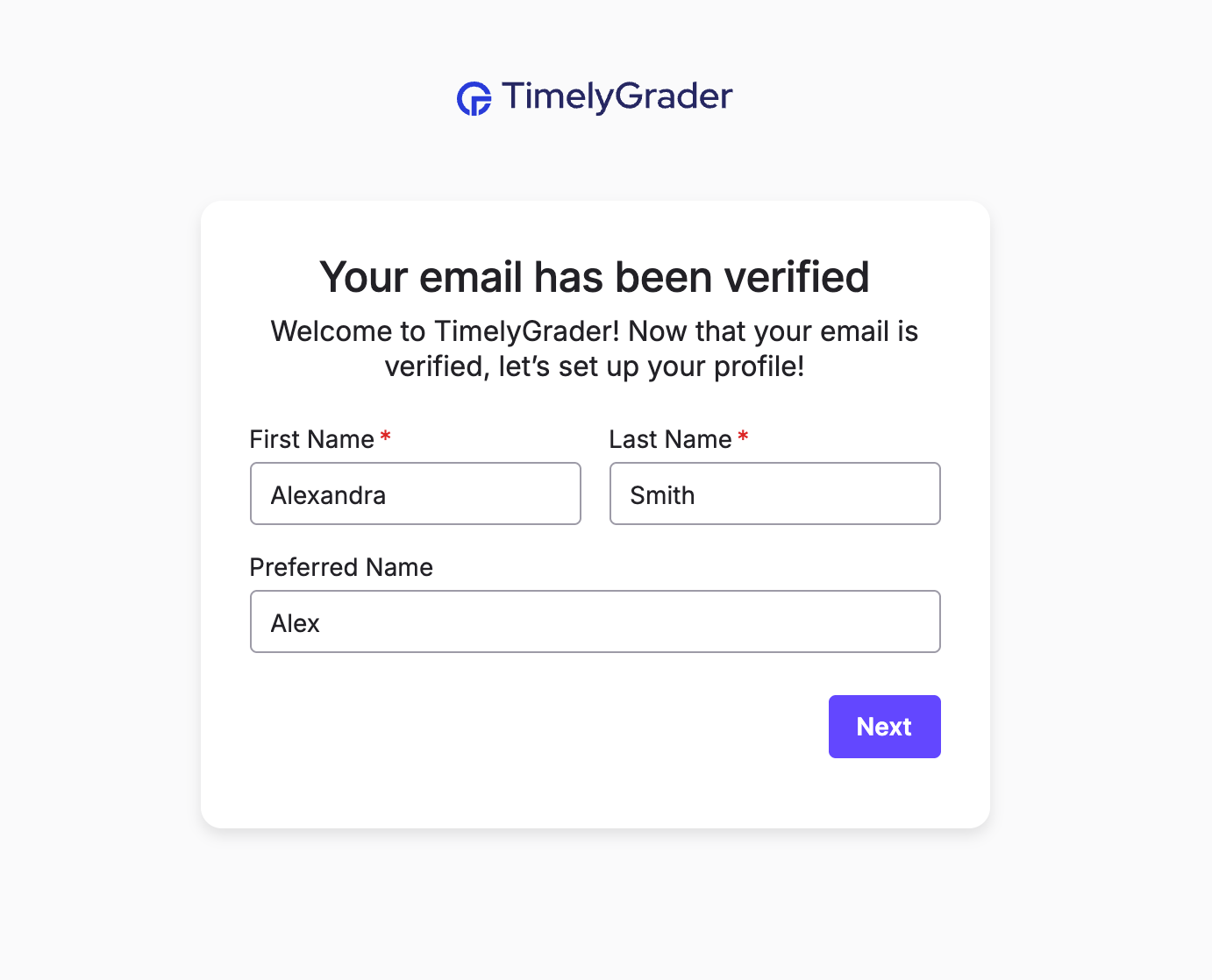
### Complete your profile
Enter your first name, last name and, optionally, a preferred name.
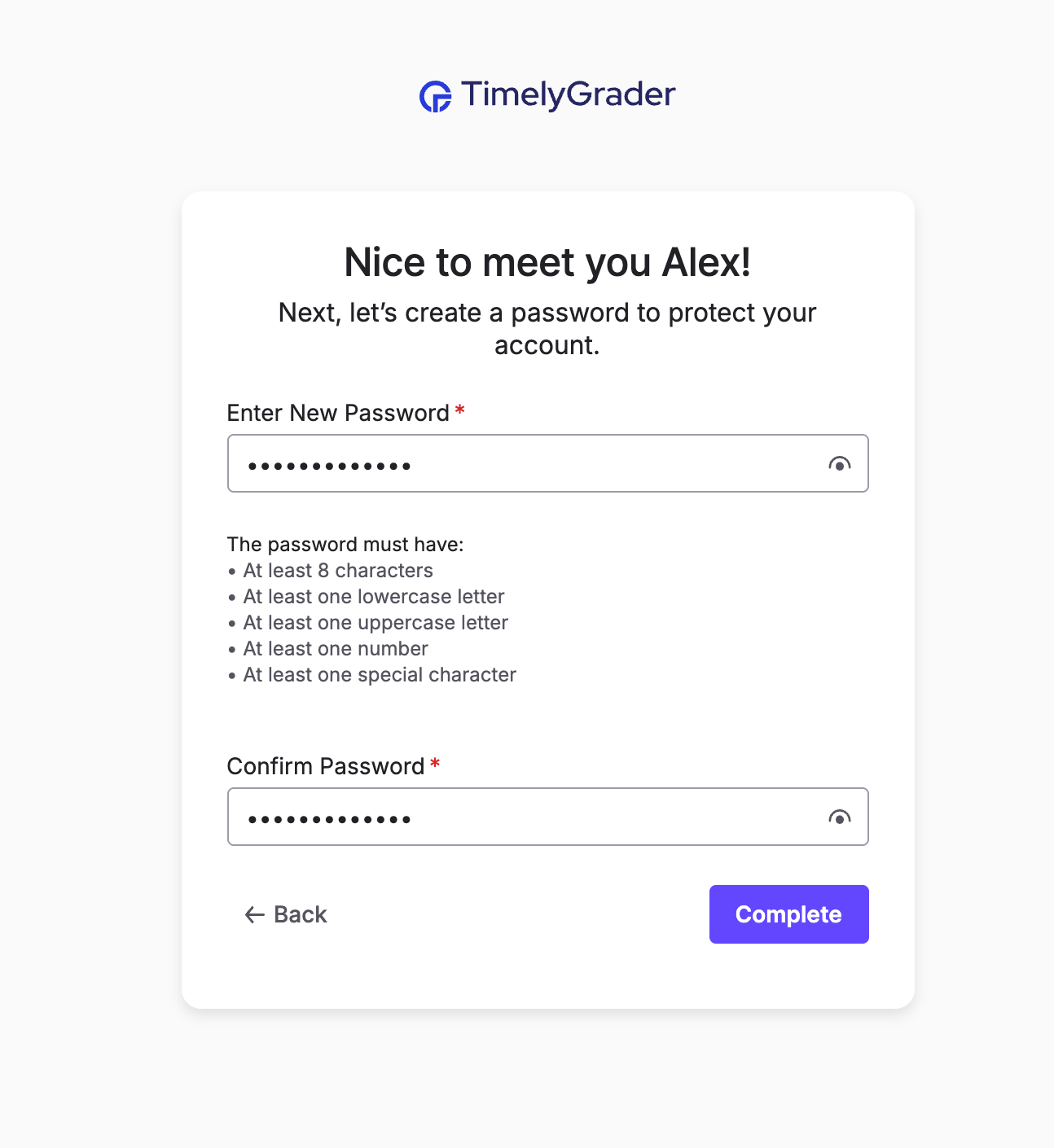
If you signed up with email, also create a password that meets the listed requirements. Then click **Complete**.
{% endstep %}
{% step %}
### Start using TimelyGrader
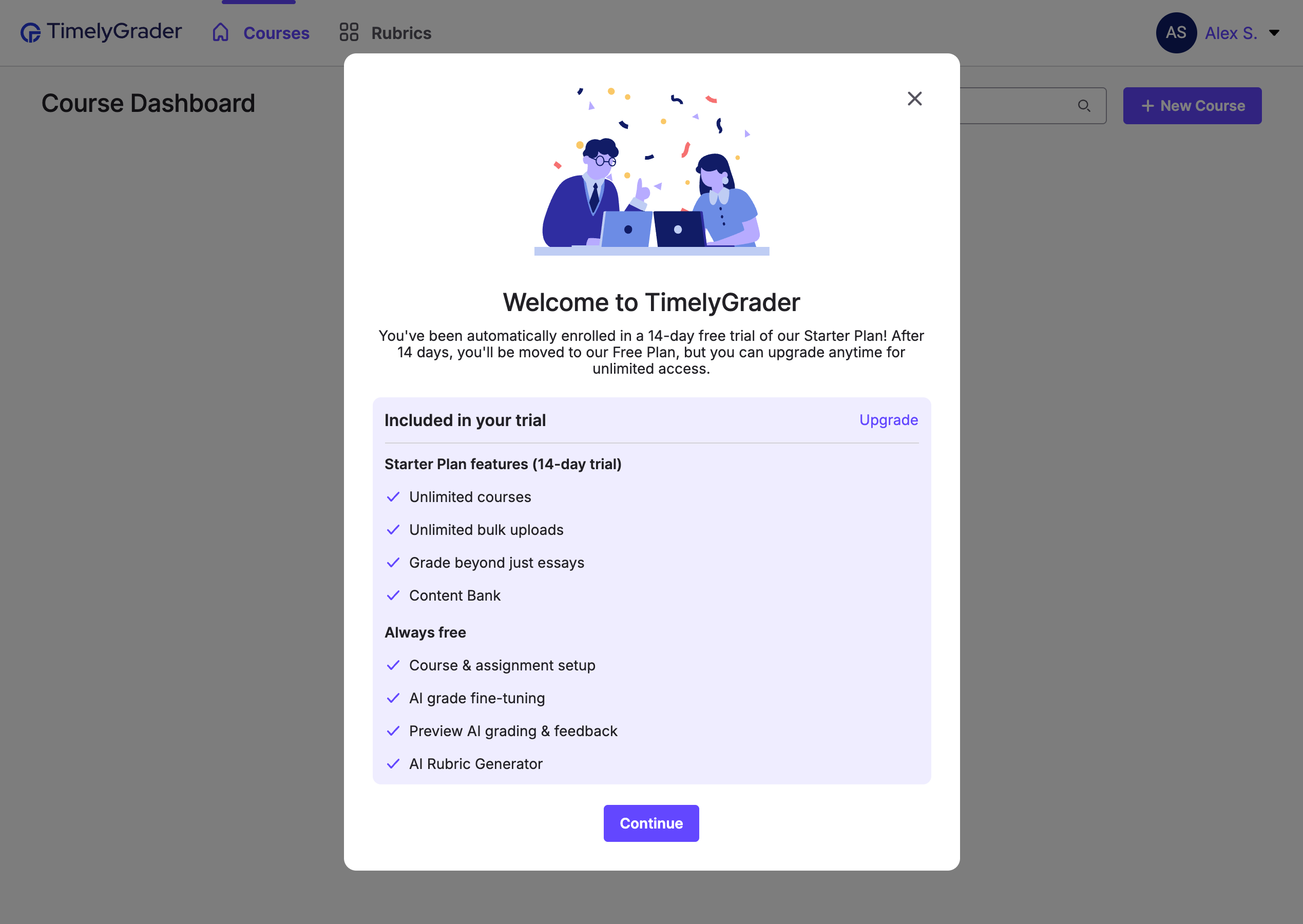
Your new account starts with a 14-day free trial of all paid features. No credit card is required.
You can upgrade at any time from the [pricing page](https://www.timelygrader.ai/pricingandplans).
{% hint style="info" %}
If you don’t upgrade by the end of the trial, your account moves to the Free Plan after 14 days.
{% endhint %}
{% endstep %}
{% endstepper %}
## Related articles
* [Self-Serve Overview](https://help.timelygrader.ai/self-serve-support-articles/1.-self-serve-overview.md)
* [Creating Courses on TimelyGrader](https://help.timelygrader.ai/self-serve-support-articles/3.-creating-courses-on-timelygrader.md)
* [Forgot Your Password?](https://help.timelygrader.ai/self-serve-support-articles/12.-forgot-your-password.md)

 **Hugo’s tip:** Signing up with Google skips email verification, so it’s faster.
{% endhint %}
{% endstep %}
{% step %}
### Verify your email (email sign-up only)
Check your inbox for the confirmation email and click the verification link.
{% endstep %}
{% step %}
### Complete your profile
Enter your first name, last name and, optionally, a preferred name.